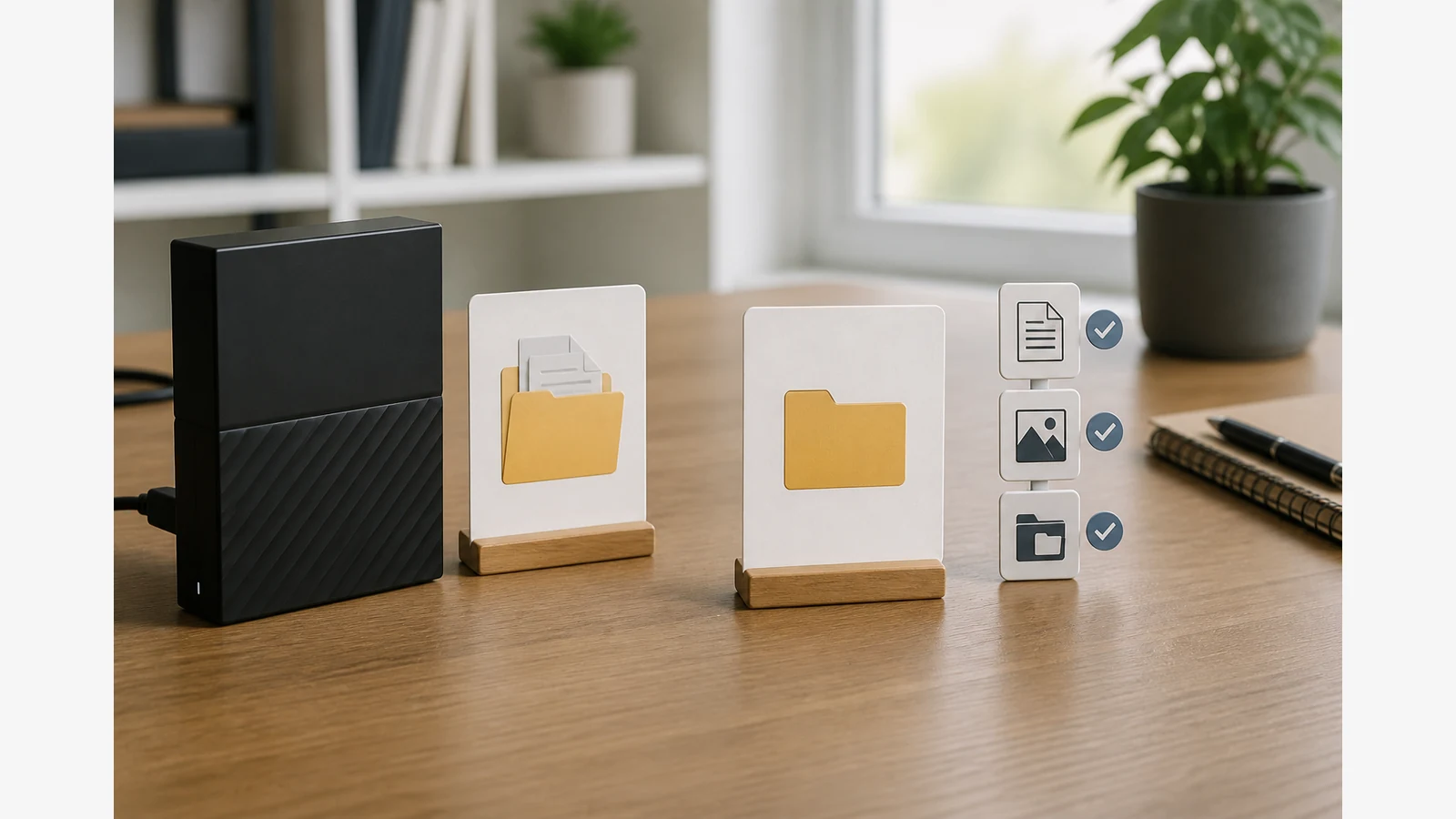
How to Test an External Hard Drive Backup Restore Without Overwriting Live Files
Restore a small, representative sample into a separate test folder — not on top of your live files — then compare names, dates and content before you trust the backup.
Choose files that cover documents, photos and nested folders
Pick a sample that matches how you really work:
- One ordinary document (invoice, contract or notes file).
- A handful of photos or other media files.
- A nested folder with subfolders so path structure is tested.
- Optionally one larger file if your backups often include big transfers.
A successful sample does not prove every file on the drive is healthy forever; it only shows that those chosen items restored as expected on this attempt.
Record the backup date and expected versions first
- Write down which backup set you are testing and when it was created.
- Note the expected file names, approximate sizes and modified dates.
- Confirm you still have independent access to the live originals (or another copy) before you experiment.
Seagate hard drive test guidance stresses protecting accessible data before invasive checks. Keep this restore drill non-destructive: do not reformat, repair or overwrite the only copy.
Restore-to-a-different-location steps
Microsoft’s File History guidance describes restoring previous versions and restoring to a different location so you avoid overwriting the current version. Use the same principle whatever tool you use:
- Create an empty folder such as
Restore-Test-YYYY-MM-DDon your internal drive. - Restore or copy only the sample files into that folder.
- Open each restored file and compare it with your notes.
- Check nested paths still make sense.
- Delete the test folder only after you are satisfied — or keep a short log of the drill date.
Comparison checklist and escalation path
| Compare | Pass clue | Escalate if |
|---|---|---|
| Openability | Files open in the expected app | Corruption errors or empty files |
| Dates and sizes | Match the backup record within reason | Unexpected zeros or ancient dates only |
| Drive behaviour | Quiet, stable access during the copy | Persistent hard clicking, grinding or disconnects |
| Completeness of sample | All chosen items restored | Missing folders you know were backed up |
If the drive makes unusual noises, becomes inaccessible or errors during the drill, stop invasive DIY steps. Protect any still-readable data and contact manufacturer support or a reputable recovery service rather than repeatedly power-cycling a suspect disk.
The NCSC offline backups guidance also emphasises testing that backups can be restored — schedule the next drill when you next rotate offline copies.
Soft next step and FAQ
After a clean restore drill, keep using the drive only as one layer in a wider plan. For a desktop archive option, see the Western Digital 18TB desktop drive listing and verify current details there. Related guides: ransomware backup plan UK and external hard drive clicking noise what to do.
Can I restore over my live Documents folder?
Avoid that for drills. Restore to a separate test folder so you do not overwrite good live files.
Does one good sample prove the whole disk?
No. It builds confidence in the method and those files; continue periodic drills and keep more than one copy of irreplaceable data.
Should I run disk repair utilities during a restore test?
Not on your only copy. Diagnostics can change accessibility when problems are found; protect data first.