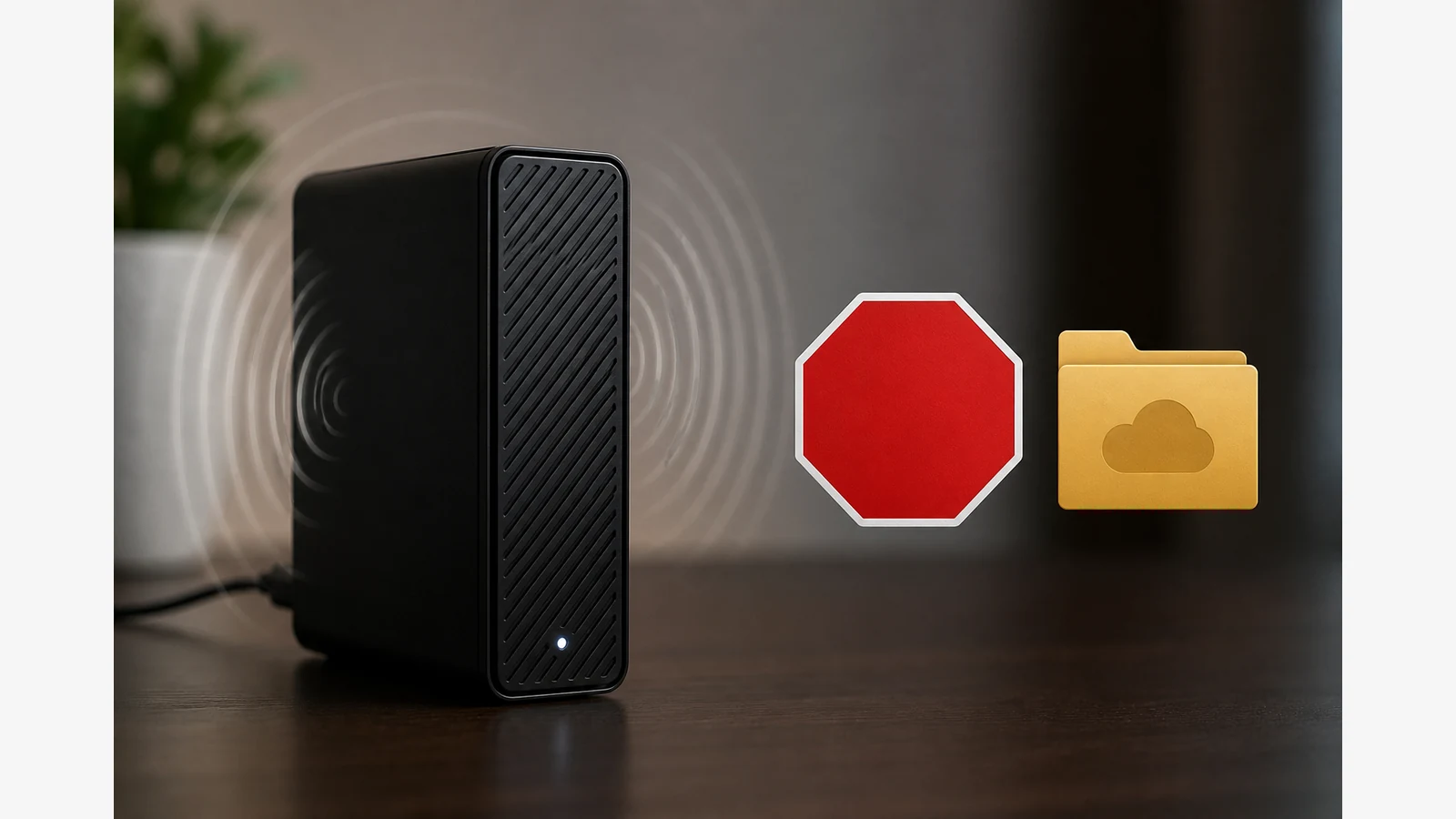
External Hard Drive Clicking Noise What To Do
Distinguish ordinary, occasional activity sounds from persistent hard clicking, grinding or scraping. If the unusual noise continues, prioritise protecting readable data before any deeper DIY checks.
Stop conditions and a data-first decision tree
Western Digital’s hard drive noise guidance distinguishes ordinary operating sounds from unusual beeping, clanking, grinding or vibration and recommends protecting accessible data before further troubleshooting. Seagate’s hard drive sounds guidance similarly describes normal activity sounds and warns that persistent hard clicking, clunking, grinding or scratching can indicate a physical problem that calls for a cautious, data-first response.
- Stop and protect data if clicking is hard, repetitive, new, or paired with freeze-ups, missing volumes or grinding.
- Pause invasive tools — do not open the enclosure, strike, freeze or repeatedly power-cycle a suspect drive.
- Copy what still mounts to another known-good location if the volume is still readable, then reassess.
Is the sound the drive, power supply, cable, desk or something else?
- Note when the noise happens: idle, during heavy copy, only when the desk vibrates, or constantly.
- Check whether a hollow desk or nearby speaker is amplifying normal spin noise.
- Confirm cables and the power adapter are seated; try the manufacturer-recommended power path only.
- Listen again with the drive on a firm, flat, ventilated surface away from other buzzing devices.
Do not diagnose a specific Diskly or Western Digital retail unit from a sound description alone.
Safe low-risk checks while the drive is still accessible
- If the volume mounts, copy critical folders to another disk first.
- Avoid formatting, partitioning experiments or “repair” utilities on your only copy.
- Seagate diagnostics guidance says to back up accessible data before tests, because Windows or macOS disk checks can change accessibility when damaged sectors are found.
- Keep the drive still and upright or flat as your model manual specifies while powered.
When to stop DIY and seek support
Contact the manufacturer’s support channel, your retailer, or a reputable data-recovery provider if:
- Hard clicking, grinding or scraping persists.
- The drive disconnects, fails to enumerate or reports I/O errors.
- You smell burnt electronics or see damaged connectors.
Do not promise recovery, warranty outcomes or that a diagnostic pass means the drive will stay healthy. Reviewed public warranty wording for Diskly offers supports a 12-month warranty term; start date, exclusions and carriage details should be confirmed with support and your purchase proof.
Soft next step and FAQ
If you later need a replacement desktop archive drive after a failed unit is retired safely, review the Western Digital 18TB desktop drive page for current listing details. Also read how to move a desktop external hard drive safely and how to test an external hard drive backup restore.
Is every click a failing drive?
No. Light activity sounds can be normal; persistent hard clicking or grinding is the sharper warning.
Should I open the case to look?
No. Opening the enclosure risks further damage and contamination; leave that to specialists.
Can I freeze or tap the drive to “fix” it?
No. Those myths can destroy remaining recovery chances.