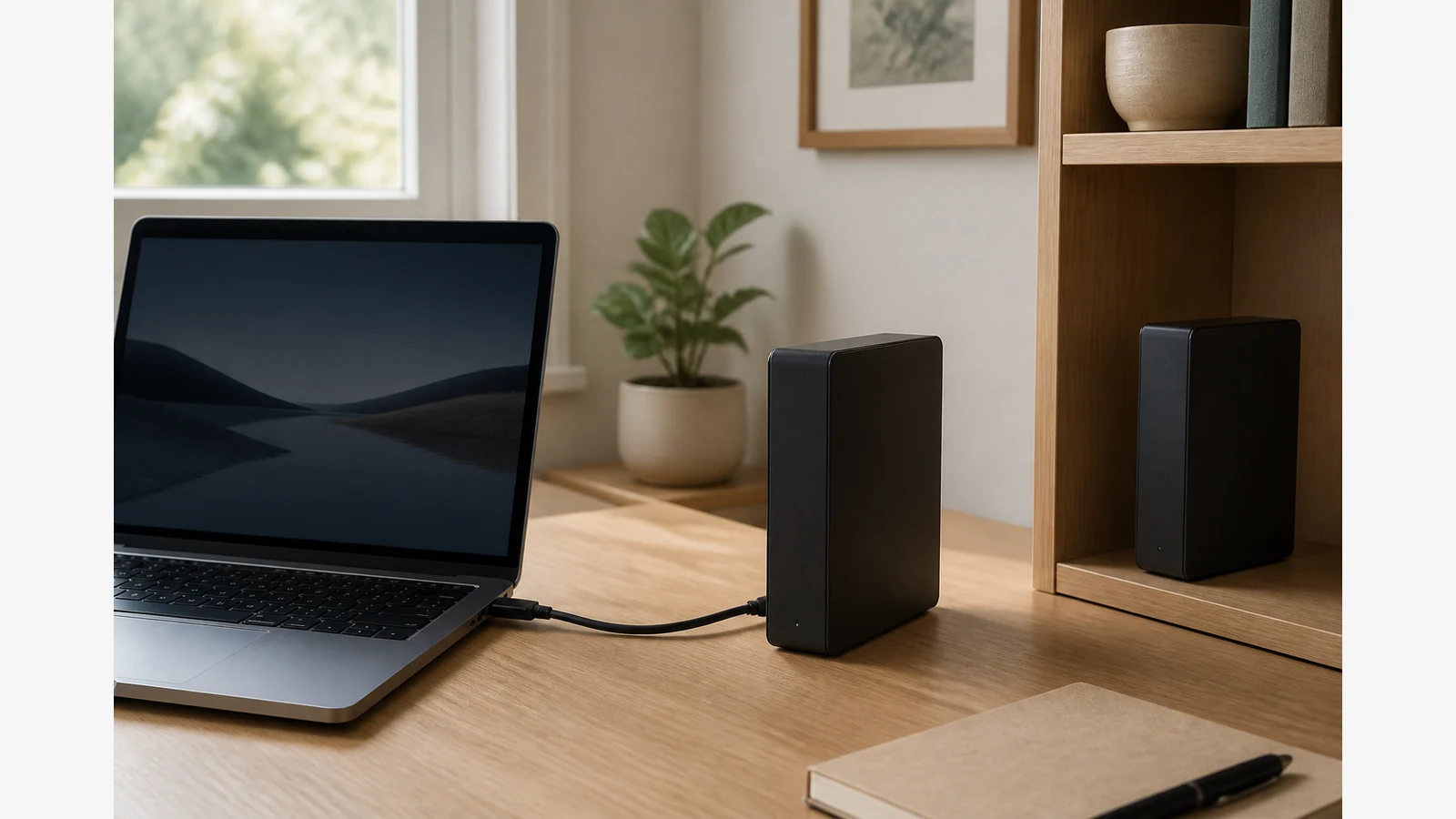
External Hard Drive Ransomware Backup Plan UK: How to Keep One Copy Truly Offline
An always-connected backup drive is still reachable to ransomware that lands on your computer. Keep at least one current copy offline — powered down and disconnected — and test that you can restore from it.
Map the live copy, the local backup and a separate copy
Start by naming three roles clearly:
- Live copy — the files you use every day on your PC or Mac.
- Local backup — a recent copy on an external drive or other media you control.
- Separate or off-site copy — another current set stored somewhere else (a second drive kept offline, or a trusted off-site location).
The UK National Cyber Security Centre guidance on offline backups recommends keeping at least one backup offline, separating copies, following a 3-2-1 style pattern where appropriate, and regularly testing that backups can be restored. Treat that as practical cyber hygiene for households and small organisations — not as legal or insurance certainty.
Rotation checklist: connect, back up, check, disconnect
- Finish open work and close apps that might lock files.
- Connect only the drive you intend to update for this session.
- Run your usual backup method (manual copy, File History, Time Machine or another tool your OS supports).
- Spot-check that new and changed folders appear on the drive with sensible dates and sizes.
- Eject or safely remove the volume where your OS asks you to, then power down and unplug the drive.
- Return the offline copy to its storage place — away from the always-on computer if you can.
Microsoft’s File History backup and restore documentation covers using an external drive or network location for File History and restoring previous versions, including restoring to a different location so you do not overwrite the current version. Prefer that habit whenever you practise a restore.
Restore-test table and signs you only have sync
| Check | Healthy backup signal | Warning sign |
|---|---|---|
| Sample restore | A small set of files restores into a separate test folder | You can only “open from the cloud” or the mirror folder |
| Isolation | At least one current copy stays unplugged most of the time | Every copy stays mounted 24/7 |
| Version history | You can recover yesterday’s file without wiping today’s | One mirrored folder updates both sides instantly |
| Schedule | You know when the offline copy was last updated | Nobody can say which drive is current |
Sync and backup are not the same. If ransomware encrypts a live folder that is continuously mirrored to a connected drive, the mirror can be damaged in the same incident.
When a single USB drive is not enough
Escalate beyond a DIY external-drive plan if you handle regulated client data at scale, need immutable or air-gapped enterprise controls, or cannot afford long recovery downtime. Managed IT, documented runbooks and specialist backup platforms may be more appropriate than one desktop drive alone.
Do not treat any drive as ransomware-proof. Unplugging one copy reduces exposure; it does not guarantee recovery after every attack, hardware failure or human error.
Soft next step and FAQ
If you need a large desktop drive for an offline archive role in a broader backup plan, review the current Western Digital 18TB desktop drive on Diskly, confirm the live listing details, and keep capacity and feature claims limited to what that page states. Related reading: how to test an external hard drive backup restore and how often should I disconnect my backup drive.
Does unplugging a drive make me ransomware-proof?
No. It helps isolate one copy, but recovery still depends on how current that copy is and whether you can restore from it.
Is File History enough on its own?
File History can back up to an external drive, but you still need an offline or separate copy strategy and restore tests.
Should every copy stay connected for convenience?
No. Convenience often leaves every copy reachable; keep at least one current copy offline between backup sessions.