The Ultimate Guide to External Hard Drive SSD 500GB in the UK
Short answer: a 500GB external SSD is a neat, fast, pocket-sized drive for everyday files and quick transfers, and it is the cheapest way into solid-state storage. If your goal is to stop paying a monthly cloud bill, though, 500GB is too small to be the answer — the value move is a one-time, high-capacity desktop drive.
Plenty of people reach this guide after totting up years of cloud subscription and realising it has quietly cost hundreds of pounds. A 500GB SSD is tempting as a first step off the cloud, but it pays to be clear about what that little drive can and cannot replace.
What should you know about a 500GB external SSD?
- 500GB is a fast, pocketable working drive for documents, a photo working set and quick transfers — not a home for your whole library.
- It is the lowest-cost way into an SSD, with no moving parts, silent running and good shock resistance.
- Most paid cloud plans are already 2TB, so a 500GB drive is smaller than the subscription you are trying to escape.
- To end the monthly fee for good you need terabytes, and a desktop hard drive delivers those far more cheaply.
What is a 500GB external SSD actually good for?
Think of it as a fast everyday carry drive. It is ideal for shuttling documents between machines, holding a working set of photos, running portable apps, or giving an older laptop a quick scratch disk. Because it uses flash rather than a spinning platter, it is silent, light enough to forget in a pocket and more tolerant of knocks than a mechanical drive. At the 500GB size it is also the cheapest way to try solid-state storage.
500GB, the cloud, and the monthly-fee problem
Here is where expectations and reality part company. If you are paying every month for a cloud plan, it is probably a 2TB tier — and the frustration is familiar: the bill never stops, the space still runs short, big uploads crawl, and a price rise or an outage leaves you feeling locked in. A 500GB SSD is smaller than that cloud plan, so on its own it cannot hold everything you keep online.
Do the one-time-versus-subscription maths
Add up what a cloud plan costs over a few years and compare it with buying a drive once. As a rule of thumb, a monthly plan keeps taking money for as long as you use it, whereas a drive is a single purchase you own outright. A small SSD saves little against the subscription; real savings come from buying enough capacity once that you can cancel the plan entirely.
When 500GB is not enough: buy capacity once
If the goal is to leave cloud fees behind, size the purchase to your actual library plus room to grow — that means terabytes, not gigabytes. A mains-powered desktop hard drive gives you the lowest cost per terabyte by a wide margin, so a single unit can replace a paid plan outright and keep working whether or not the internet is up. If you mainly need a fast working drive rather than bulk capacity, step up from 500GB with our 2TB SSD external hard drive guide.
Keep the cloud's one real advantage: an off-site copy
The one thing a local drive does not give you automatically is an off-site copy, which is the genuine safety benefit of the cloud. You can keep that benefit cheaply: follow a 3-2-1 approach with a second drive stored somewhere else, or keep a slim free cloud tier for your most critical files only. Note too that an unpowered SSD gradually loses its charge and is not ideal for a long-term shelf archive, whereas a hard drive holds data reliably for years — another reason bulk archives belong on a desktop drive. Mac users can automate a local copy with Time Machine; see our external hard drive for Mac guide.
Quick checklist
- Match the job — 500GB for a fast everyday drive; terabytes if you are replacing cloud storage.
- Check the port — the USB standard and the drive together set real speed.
- Own, don't rent — buy enough capacity once so you can cancel the monthly plan.
- Stay covered — keep an off-site or second copy of anything you cannot lose.
The cheaper way to store terabytes: the Diskly 18TB desktop drive
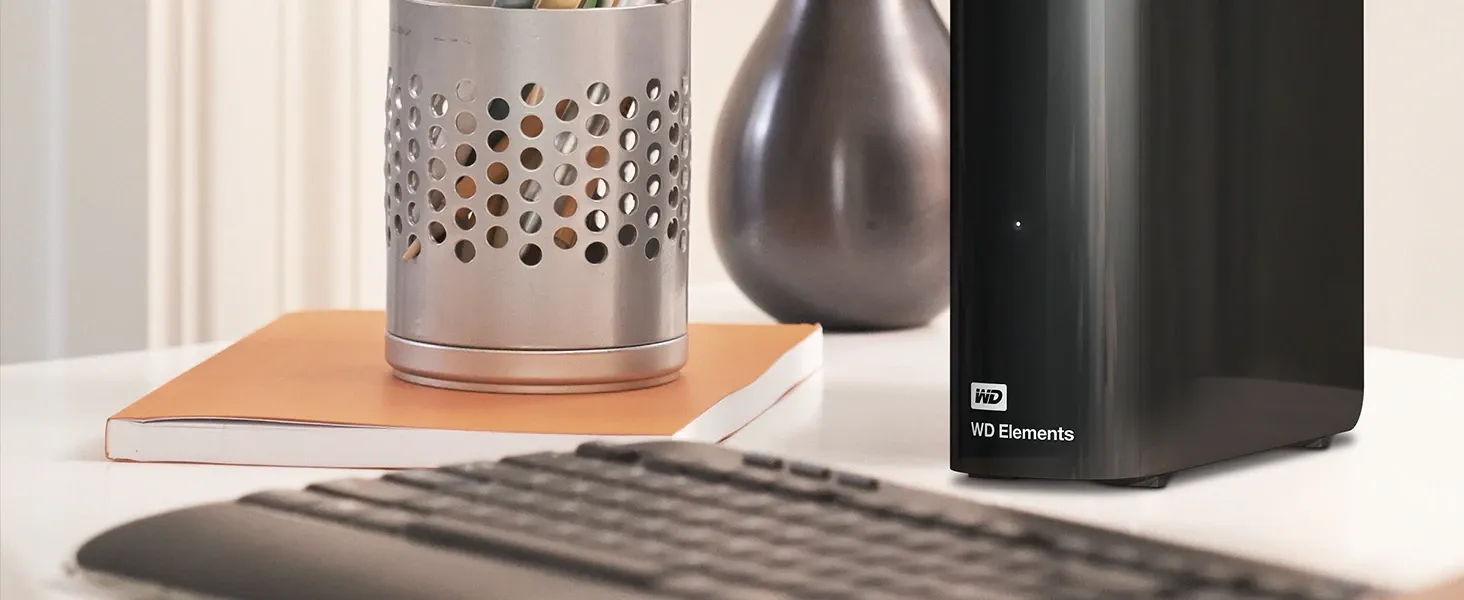
If a 500GB SSD has shown you the appeal of local storage but you want to cancel the cloud plan for good, the Diskly WD 18TB Elements Desktop is the value option. One mains-powered 3.5-inch unit gives you 18TB (around 16–16.5TB usable after formatting) over USB 3.0, pre-formatted for Windows and reformattable for Mac in Disk Utility. At £319.99 inc. VAT (£266.66 ex. VAT) — against a high-street RRP of £511.98 — it comes with free UK next-day delivery, a 12-month warranty with UK support and 30-day returns, and is rated 4.7 out of 5 from 361 reviews. Buy it once and there is no monthly bill.
Stop renting storage — own 18TB outright
Shop the WD 18TB Elements desktop drive — £319.99Frequently asked questions
Is a 500GB external SSD enough to replace cloud storage?
Usually not. Most paid cloud plans are 2TB, so a 500GB SSD is smaller than the subscription you are trying to leave. It is great as a fast everyday drive, but to cancel the monthly fee you need terabytes, which a desktop hard drive provides far more cheaply.
Is buying a drive cheaper than paying for cloud storage?
Over time, usually yes. A cloud plan keeps charging every month, while a drive is a one-time purchase you own. A small 500GB SSD saves little; the real savings come from buying enough capacity once that you can cancel the plan entirely.
What is a 500GB external SSD best used for?
It is best as a fast, pocketable everyday drive for documents, a working set of photos, portable apps or a scratch disk. It is silent, light and shock-resistant, and it is the cheapest way into solid-state storage.
If I move off the cloud, how do I stay protected?
Keep the cloud's real advantage — an off-site copy — by following a 3-2-1 approach with a second drive kept elsewhere, or a slim free cloud tier for critical files. For long-term archives a hard drive is safer than an unpowered SSD, which loses charge over time.
Ready to secure your data with Diskly?
Upgrade Your Storage — £319.99