How To Securely Erase An External Hard Drive Before Disposal Uk
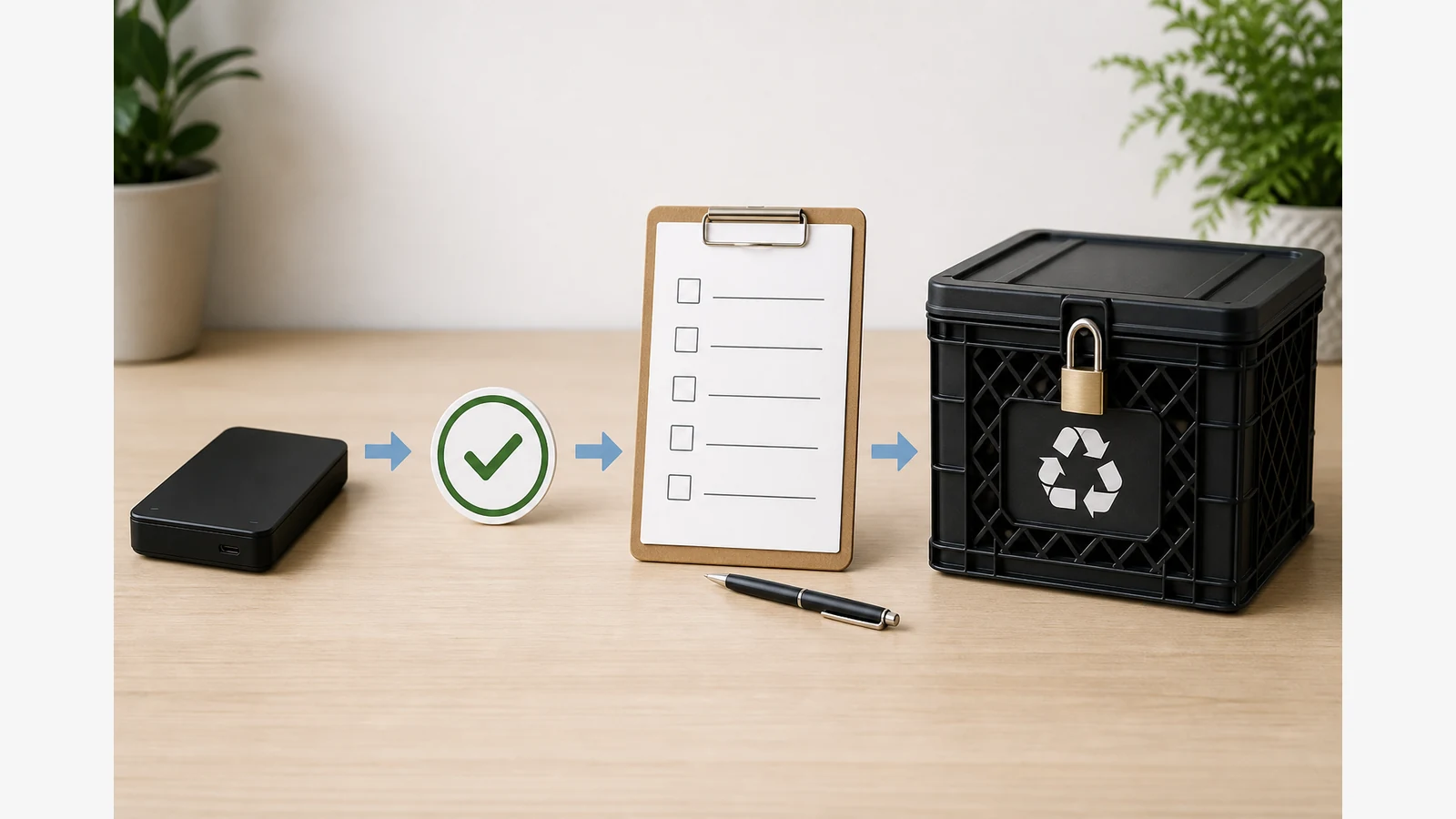
Back up anything you must keep, assess how sensitive the remaining data is, then use a verified sanitisation route before the drive leaves your control. Ordinary delete or quick format is not the same as sanitisation.
Why delete and quick format are not sanitisation
The NCSC secure sanitisation guidance explains that ordinary deletion is not sanitisation, sets out risk-based routes for re-use and disposal, and requires verification or specialist handling where data may remain. Deleted file entries can leave recoverable content on many hard disks until properly overwritten or destroyed.
Decision table: re-use, sale, repair, recycling and sensitive data
| Destination | Typical route | Extra care |
|---|---|---|
| Re-use inside the same household or team | Verified overwrite or OS reset path suitable for the media type | Confirm you targeted the correct disk |
| Sale or gift | Stronger sanitisation plus verification | Assume the next owner is skilled |
| Repair / warranty return | Remove or sanitise data first where possible; ask the support process | Service environments may still see residual data if not sanitised |
| Recycling | Sanitise or use a destruction provider, then recycle the carcass responsibly | Do not put readable drives in general waste |
| Highly sensitive or failed media | Certified destruction is often safer than DIY | Avoid unsafe drilling, smashing or burning |
ICO information-management expectations for organisations also highlight documented removable-media procedures, retention, secure storage, encryption and appropriate secure deletion.
Manufacturer tools, overwrite verification and residual risk
- Verify an independent backup of anything you still need — erasure is irreversible.
- Identify the exact external drive (label, capacity shown by the OS, serial if needed) so you do not wipe the wrong disk.
- Use a sanitisation method appropriate to HDD versus SSD and to your threat level; one wipe recipe does not suit every device.
- Verify the result (tool verification, sampling or provider certificate).
- Record date, method, who performed it and where the drive went next.
Encrypted drives still need a deliberate end-of-life plan: destroying keys may help in some models, but follow current NCSC-style risk thinking and vendor guidance rather than assuming one trick always works.
When a certified destruction provider is safer
Choose specialist destruction when the drive has failed mid-wipe, holds high-impact personal or client data, or your policy requires witnessed destruction certificates. Do not attempt DIY drilling, smashing or shredding at home — those methods are unsafe and often incomplete.
Record the outcome, soft replacement CTA and FAQ
Keep a short disposal log for business or client-related media. If you need a replacement desktop archive drive after retiring an old unit, review the Western Digital 18TB desktop drive product page for the live offer (confirm warranty and specs there; public Diskly warranty wording supports a 12-month term). Related guides: how to encrypt an external hard drive for business data UK and how to recycle an external hard drive without exposing data.
Is emptying the Recycle Bin enough?
No. That is not sanitisation for disposal or sale.
Can one wipe method cover HDD and SSD?
Not reliably. Match the method to the media and sensitivity level.
Should I smash a failed drive myself?
No. Use an appropriate specialist for high-risk or failed media.